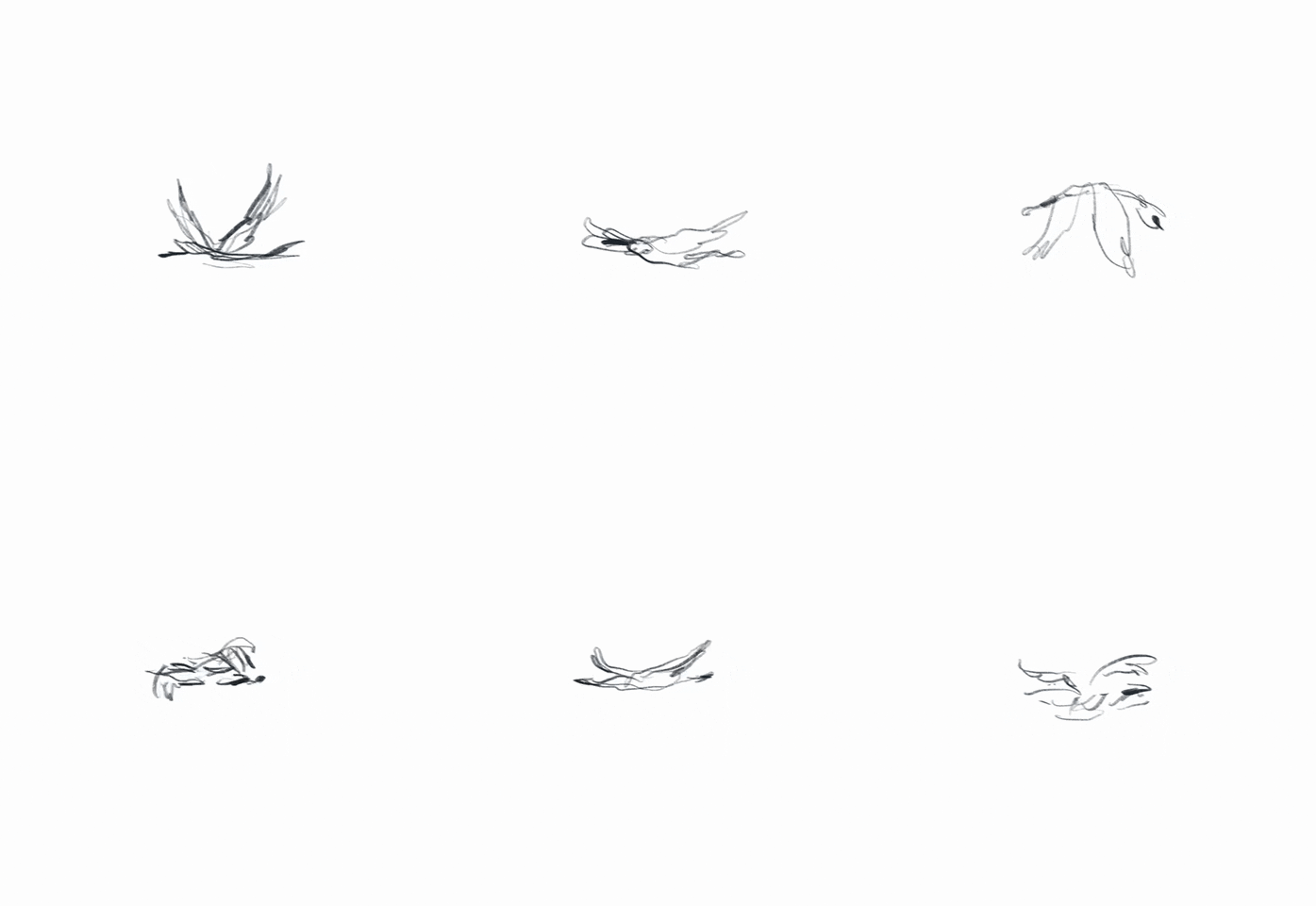
Raster in. Animateable SVG out.
Traced, grouped, and ready to animate — entirely offline.
One engine, every surface
Run it from the terminal, call the library, or convert client-side in the browser. Same output wherever you work.
Actually animateable
Single continuous paths, not one flattened blob. Semantic groups you can target and tween.
Free and open
Runs locally — no upload, no account. The source is on GitHub, dual-licensed MIT / Apache-2.0.
Ready for agents
Ships an MCP server so agents can convert icons without leaving the chat.
Supported Stacks & Runtimes
Spryteo runs where you run. One core Rust engine, wrapped for the surfaces you already use.
Node.js & npm
Native napi-rs bindings. Run the engine in-process with zero subprocess overhead.
import { convert } from 'spryteo' Command Line
A fast, standalone binary for your terminal, bash scripts, and CI pipelines.
$ spryteo in.png --out out.svg Browser Runtime
The engine compiled to WebAssembly. Convert images client-side without a server round-trip.
convert_default(bytes) AI Agents (MCP)
Expose Spryteo to Claude or other MCP clients to generate SVGs mid-conversation.
{ "command": "spryteo-mcp" } Rust Crates
Embed the core engine directly in Rust. Published on crates.io at 0.0.2, pre-1.0.
spryteo-core = "0.0.2" Built for animation, not just eyeballs.
Most raster-to-SVG tools give you a single, flattened <path> blob. Spryteo gives you semantic groups and stable IDs, ready for CSS or JS motion.
Semantic Grouping
Shapes are hierarchically nested into a proper <g> tree based on containment or mask-guided coverage. Animate the wheel, not the whole car.
Stable Content-Hashed IDs
Every element gets an ID derived from a blake3 hash of its geometry and fill. Tweak your source image and re-export without breaking your animation selectors.
True Centerline Stroke
Use --stroke mode for line art. Instead of outlining a stroke as a filled region, get a true variable-width centerline path with pathLength="100".
How it works
Five deterministic steps, from pixels to a path you can animate.
Frequently asked questions
The short version. Full detail lives in the docs.
Is Spryteo free?
Yes. Spryteo is fully open source and dual-licensed under MIT / Apache-2.0 -- free for personal and commercial use, no account, no usage limits enforced by us.
Do my images get uploaded anywhere?
No. The CLI, Node library, and MCP server run entirely on your machine. The browser demo runs the same engine compiled to WebAssembly, client-side -- your image never leaves the tab.
What image formats does it accept?
PNG, JPEG, GIF (first frame), WebP, and BMP as input. Output is always SVG. Format is detected by magic bytes, never by file extension.
How is this different from other raster-to-SVG tools?
Most tracers give you a single flattened <path> per colour region, or one giant path for the whole image. Spryteo groups shapes into a semantic <g> tree and gives every shape a stable, content-hashed ID -- so the output is actually structured enough to select and animate individual parts, not just display as a static image.
Does it handle photos, or just icons?
Both. Icon mode targets flat-colour logos and UI icons with aggressive primitive recognition (circles, rects). Photo mode runs colour quantization, optional gradient detection, and automatically downscales very large photos before tracing so conversion stays fast.
Can I use it in CI or a build pipeline?
Yes -- the CLI is a single static binary with no network calls, so it drops into any CI runner or build step. The Node library works the same way if you'd rather call it from JavaScript/TypeScript directly.
What is the MCP server for?
Model Context Protocol lets AI agents (like Claude) call tools mid-conversation. spryteo-mcp exposes convert_image and inspect_svg as MCP tools, so an agent can vectorize an icon or inspect an SVG structure without you leaving the chat.
How does an AI agent use Spryteo to extract an SVG?
Install the MCP server with `cargo install spryteo-mcp` and register it with your agent. The agent then calls convert_image with a path or base64 image and gets back SVG markup plus a metadata sidecar describing the groups and node counts, all computed locally -- no image is sent to a third-party API.
What version is Spryteo, and is the API stable?
Everything is deliberately pre-1.0. The Rust engine crates are published on crates.io at 0.0.2 (spryteo-core, spryteo-cli, spryteo-mcp, spryteo-trace, spryteo-quant and the rest); the npm distribution -- the `spryteo` CLI and Node addon with its per-platform binary packages -- is at 0.0.1. The two registries are versioned independently while the project is pre-1.0. Breaking changes are still possible; SEMVER.md in the repository records the exact compatibility commitments on ConvertOptions and the metadata sidecar.
How does Spryteo handle image transparency and alpha channels?
By default, Spryteo preserves transparency as a soft mask during quantization with `--alpha-mode keep`. You can also composite transparent regions over a solid background with `--alpha-mode matte:#rrggbb`, or apply a hard binary threshold with `--alpha-mode threshold:128`. Transparent pixels below the threshold are dropped from tracing entirely.
Can I use the generated SVGs in commercial projects?
Yes. Spryteo is dual-licensed under MIT and Apache-2.0, placing no restrictions on how you use, distribute, or sell the generated SVG files. The output belongs to you, and no attribution or license notices are injected into the SVG markup.
How do I animate individual elements in the output SVG?
Every shape receives a stable content-hashed ID such as `#s-a1b2c3d4`, and groups mirror the visual hierarchy with IDs like `#g-s-a1b2c3d4`. You can target these IDs directly with CSS keyframes, transitions, or JavaScript animation libraries without manual path splitting. Setting `--transform-origin centroid` places local coordinates at each shape's center of mass so rotations and scales behave predictably.
What information does the metadata sidecar provide?
The JSON metadata sidecar records precise geometry for every shape, including bounding boxes, centroids, surface areas, paint definitions, and outline lengths. It also provides a suggested draw order for sequencing entrance animations and mirrors the full `<g>` group hierarchy. This lets scripts and AI agents inspect or manipulate the vector scene without re-parsing raw SVG path strings.
What are the input dimension and file size limits?
Default security limits reject input files larger than 8MB, images with more than 16 megapixels, or dimensions exceeding 8192px before allocating memory. In photo mode, images wider than 1600px are downscaled to a 1024px working size using Lanczos3 resampling while preserving the original coordinate space. All limits can be customized via `--max-input-bytes`, `--max-pixels`, and `--max-trace-dimension`.
How does Spryteo output compare to manual hand-tracing?
Manual vectorization by a designer yields minimal Bezier curves with intentional semantic groupings that automated algorithms cannot fully match. Spryteo approximates this by promoting detected circles and rectangles to native SVG primitives, removing collinear straight runs, and grouping nested shapes by geometric containment. For line drawings, centerline mode extracts single stroked paths rather than doubled outline loops.
What does determinism mean for my build pipeline?
Given identical input bytes and command-line options, Spryteo generates byte-identical SVG markup on every run and across all supported operating systems. The engine uses fixed-seed k-means clustering, stable sorting algorithms, and deterministic coordinate rounding to eliminate floating-point drift. This guarantees reproducible builds and prevents noisy, spurious git diffs in your repositories.
Can I lock the output to a specific brand color palette?
Pass `--palette` with a comma-separated list of hex colors, such as `--palette '#112233,#445566,#ffffff'`, or repeat the flag for each color. When a palette is specified, quantization clustering is bypassed and every pixel is mapped to the nearest provided color in CIELAB color space. This overrides the `--colors` count ceiling.
How do I report a bad conversion or visual artifact?
Open an issue on GitHub at https://github.com/chidi09/spryteo with the source image, the exact command or options used, and the resulting SVG. If the image cannot be shared publicly, specify the input format, dimensions, color count, and a description of the failure mode. Reproducible test cases help expand our golden test corpus.
How do I pin a specific version of Spryteo?
For the global CLI, specify the exact version during installation with `npm install -g spryteo@0.0.1`. In Node projects, pin `"spryteo": "0.0.1"` without caret or tilde prefixes in your package.json. The MCP server is a Rust binary, so pin it with `cargo install spryteo-mcp --version 0.0.2`. In Rust workspaces, specify `spryteo-core = "=0.0.2"` in your Cargo.toml dependencies.
Built in the open. Yours to shape.
No account, no paywall, no telemetry. Read the source, file a bug, or send a patch.
Read the docs, or star it on GitHub.
Everything you need to wire Spryteo into a build step, a service, or an agent.